10
Dynamic effects
Bring the background to life.
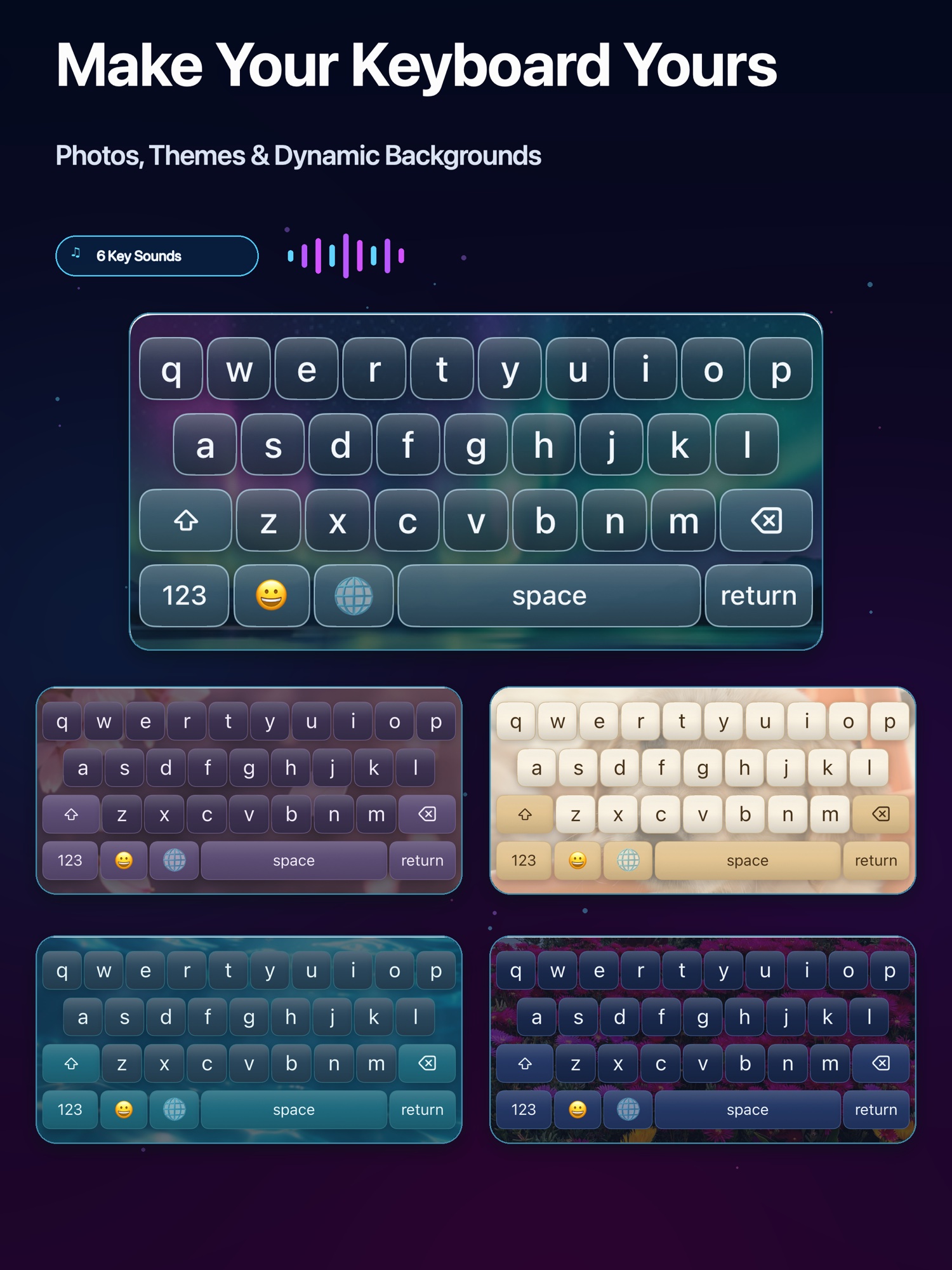
Falling Snow, Sakura Rain, Meteor Shower, Fireflies, Rain Drops, Floating Bubbles, Twinkling Stars, Falling Leaves, Water Ripples, and Aurora.
Keyboard Studio · Custom Themes
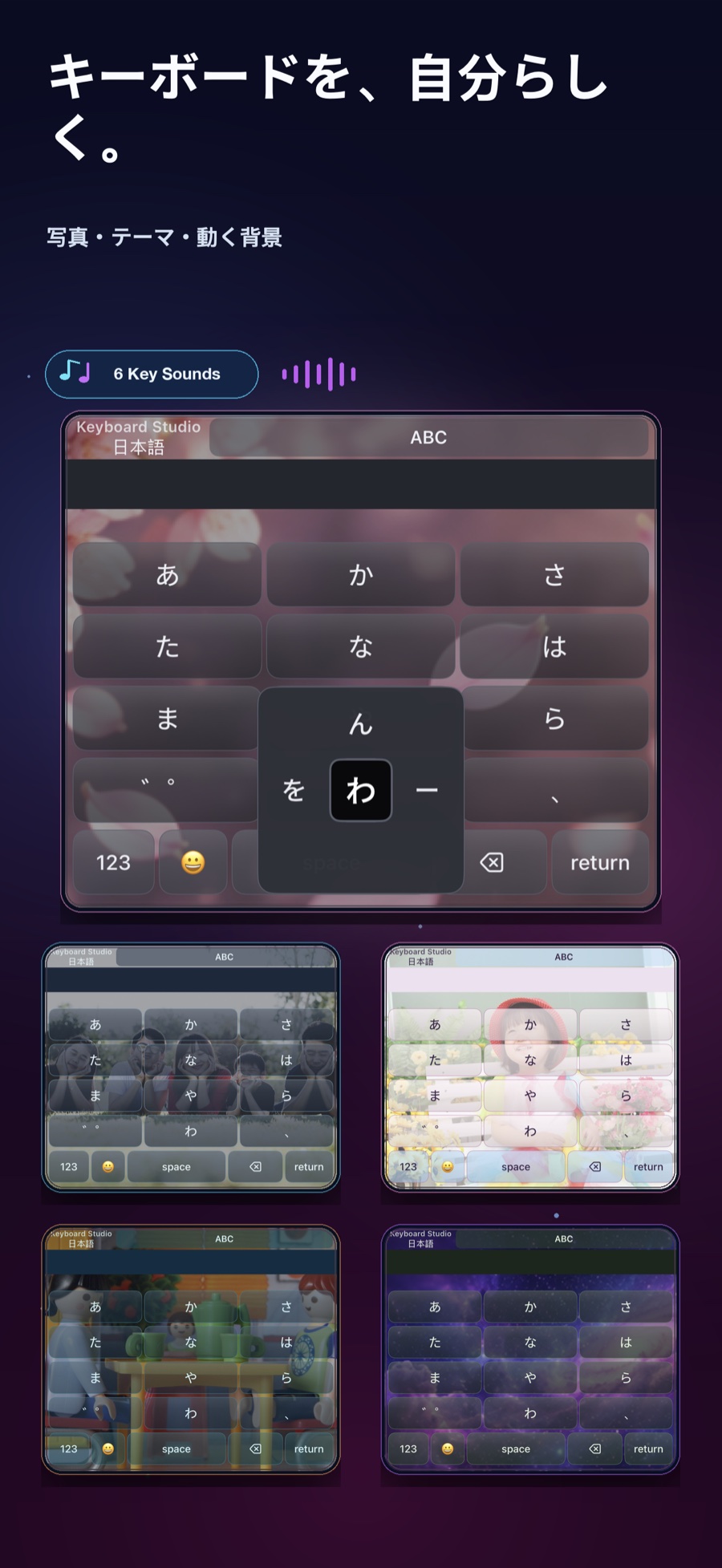
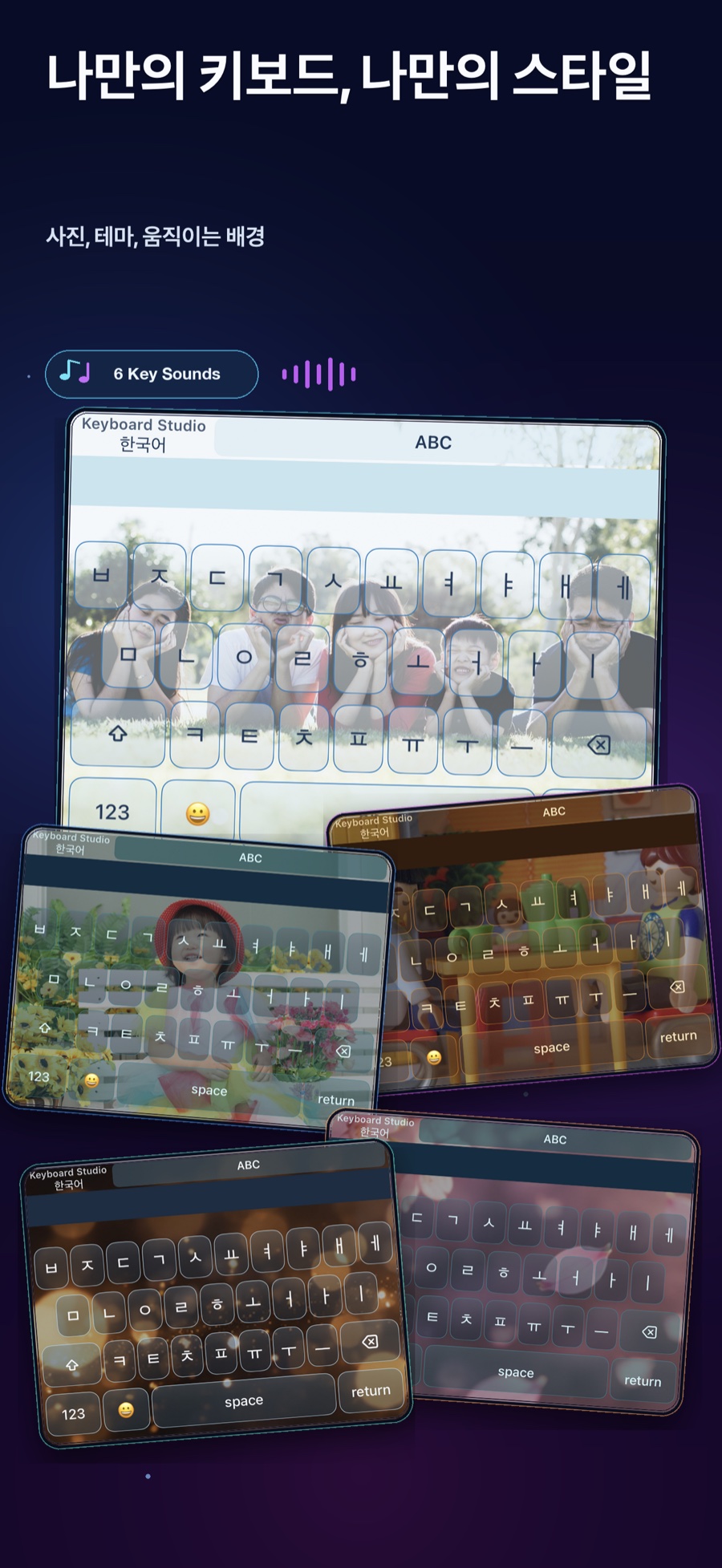
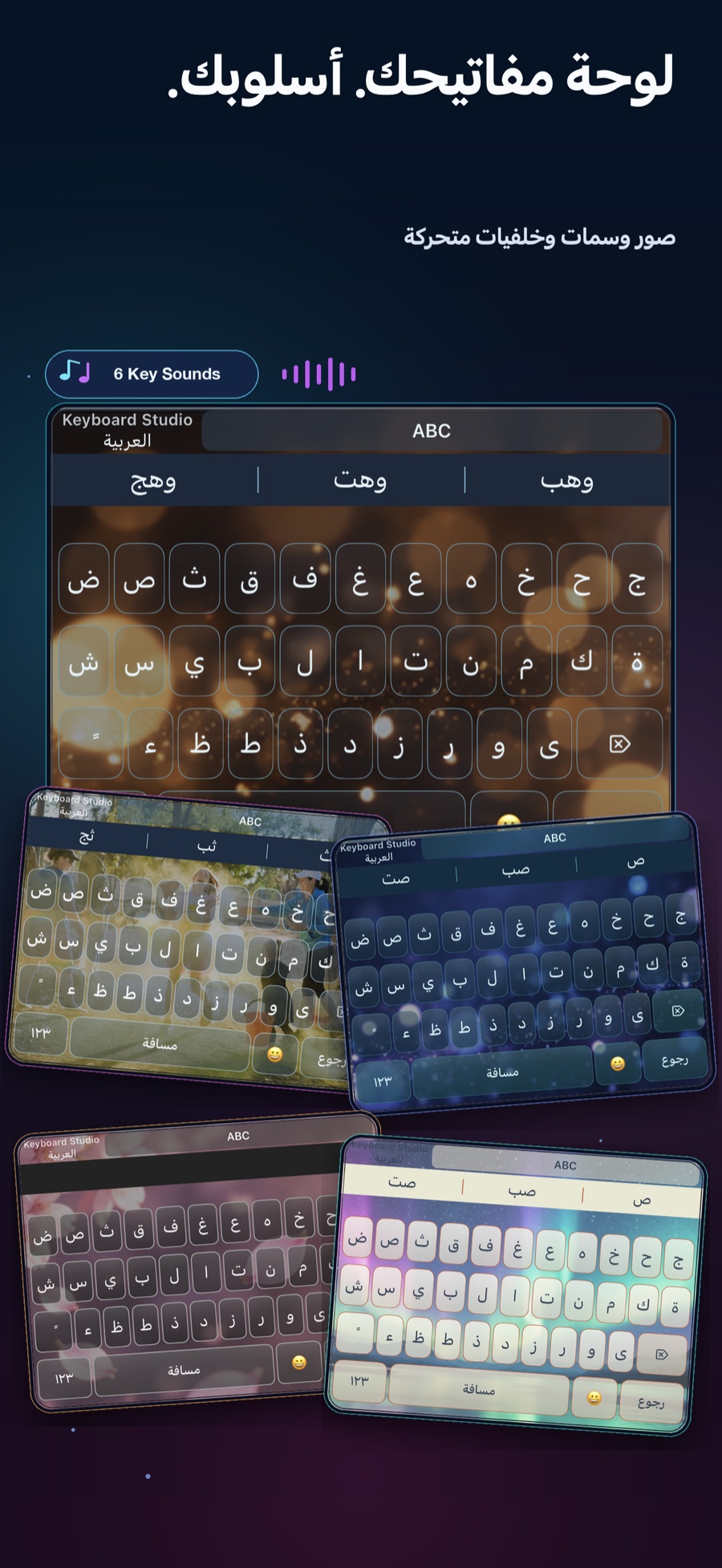
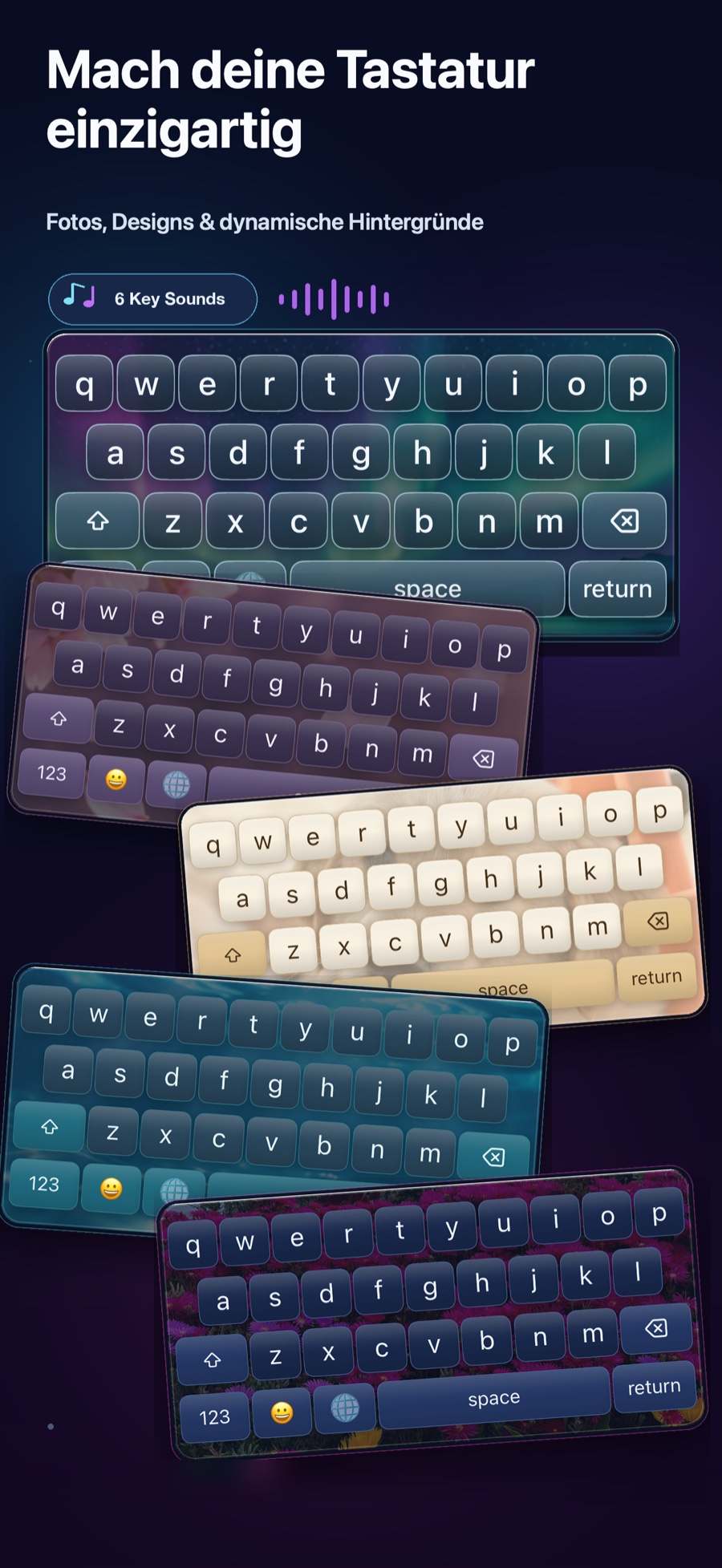
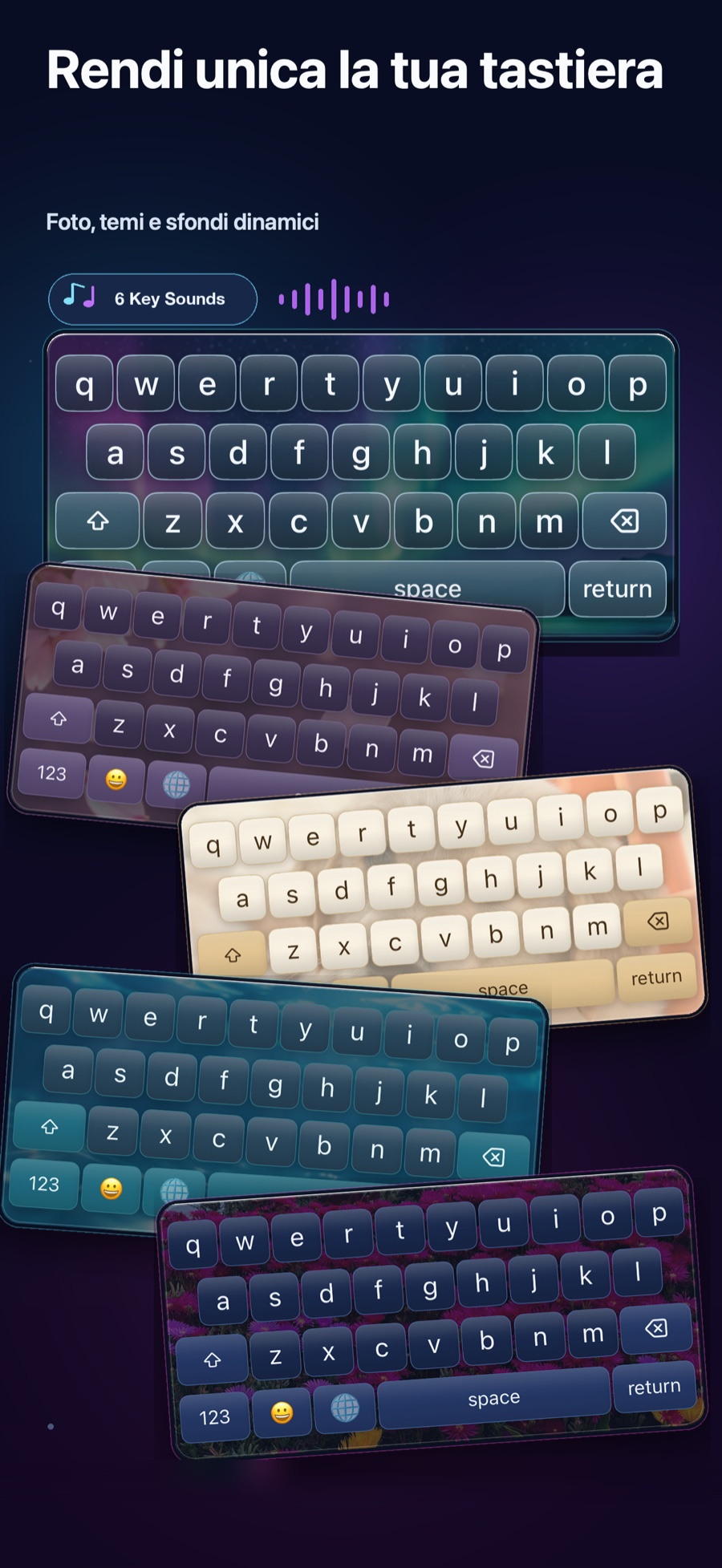
Photos, themes, dynamic backgrounds, multilingual typing, Swipe, sounds and more — built for your everyday keyboard.
Designed to feel personal
Real Keyboard Studio screens, curated across themes and languages.
Ready to make the keyboard you want?
Get Keyboard StudioCustomize your keyboard
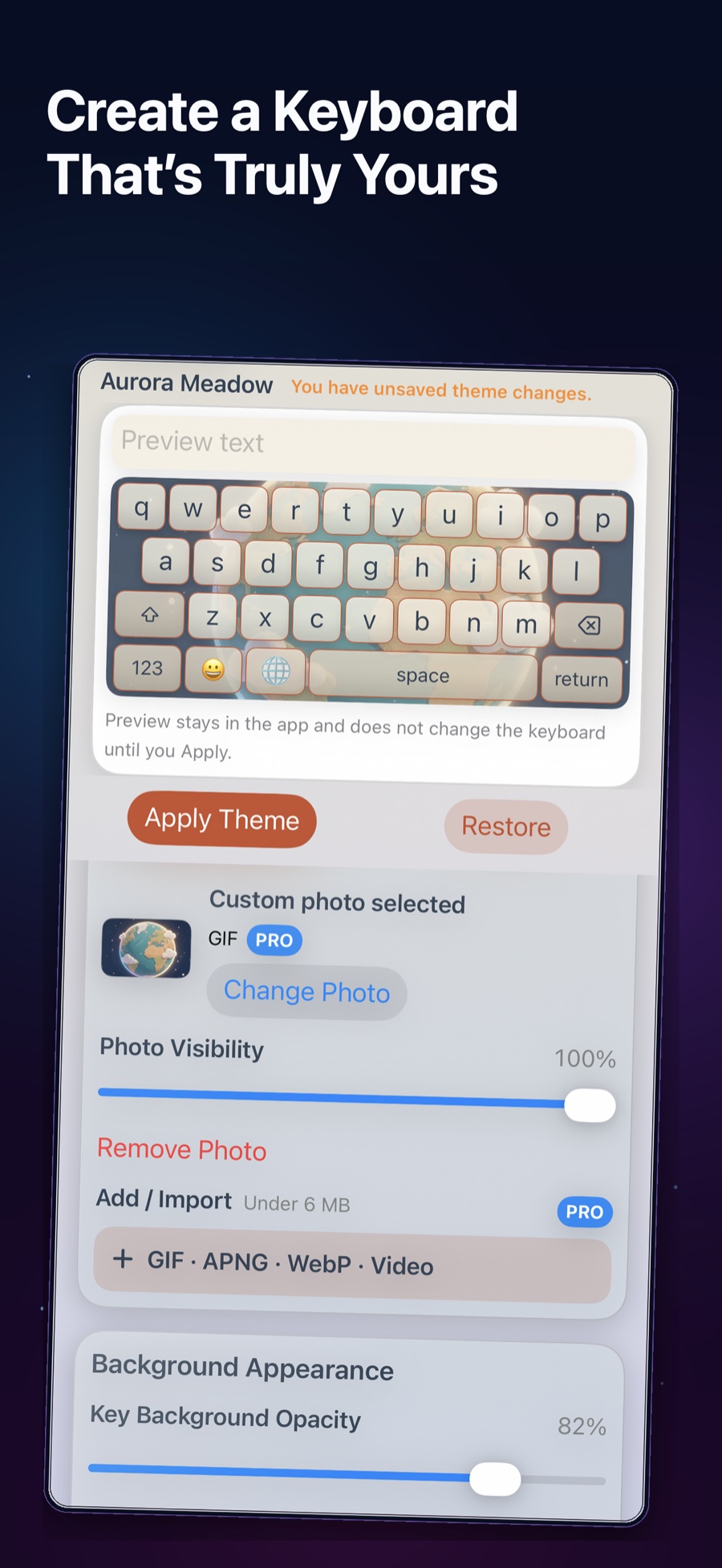
Build around a favorite photo, refine the keys, then tune the type, animation, and visibility until it feels unmistakably yours.
Dynamic effects
Falling Snow, Sakura Rain, Meteor Shower, Fireflies, Rain Drops, Floating Bubbles, Twinkling Stars, Falling Leaves, Water Ripples, and Aurora.
Animated media
Add animated images or video and turn everyday typing into something alive.
Fine controls
Adjust photo visibility, keyboard opacity, key appearance, text, and animation.
Multilingual by design
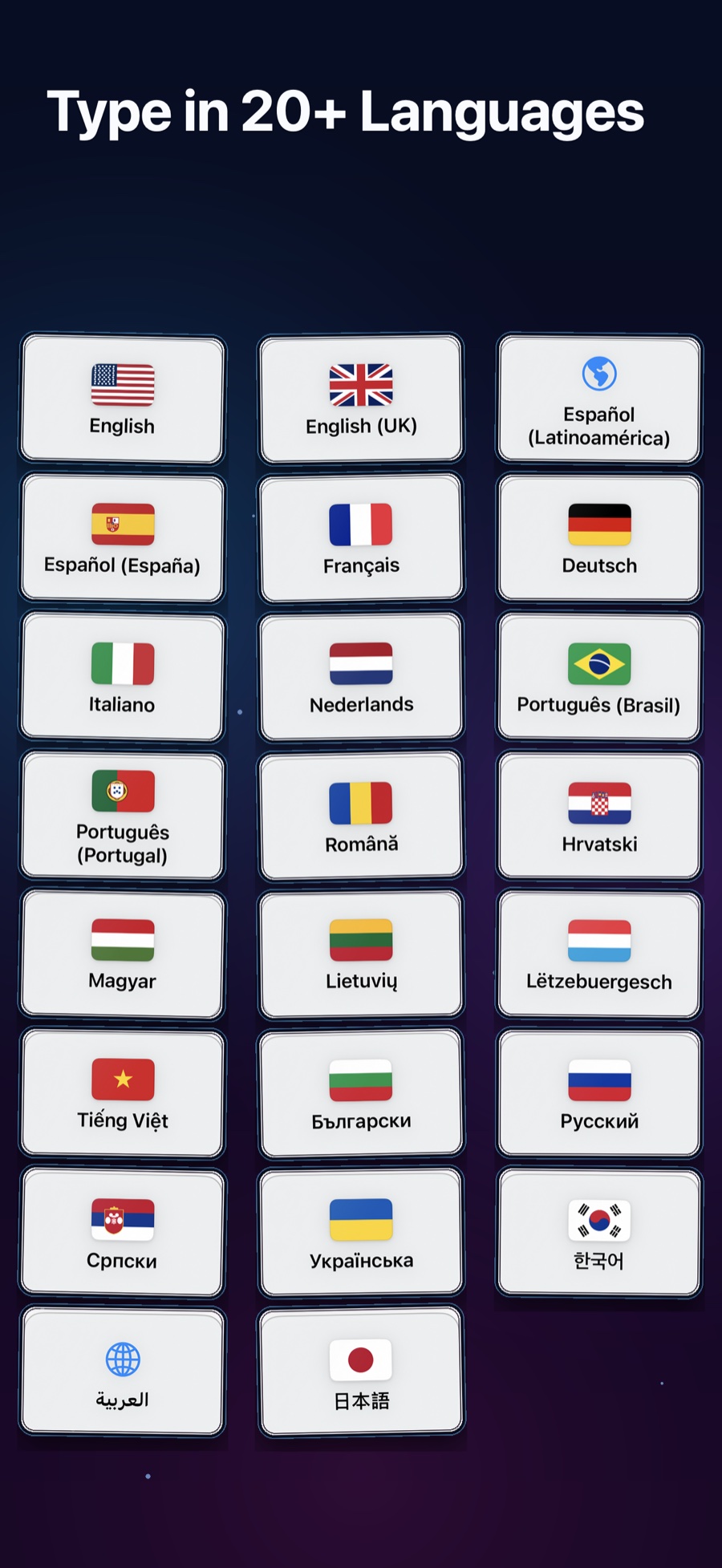
Move naturally between 23 typing languages and language variants, with layouts made for the way each language works.
Built for the way you type
Swipe typing
Swipe typing is available for supported languages, including German and Italian.
Local intelligence
Candidate suggestions, bundled dictionaries, autocorrection, and Emoji search work locally.
Sound & haptics
Choose from six premium sound styles — Balanced, Soft, Sharp, Bubble Bubble, Crunchy, and Mechanical — and customize haptic feedback.
Your shortcuts, your words
Keep what you type often close at hand, without turning your keyboard into a workspace.
Save frequently used text for faster typing.
Create your own vocabulary and personalized entries.
Simple from the start
No subscription. Choose the experience that fits you.
Explore Keyboard Studio with the free experience.
Unlock all Pro features free for 3 days, then return to Free.
Unlock Pro with one one-time purchase. No subscription.
Local typing intelligence
Language processing and bundled dictionaries stay local. Keyboard Studio does not use cloud AI or server-based prediction.